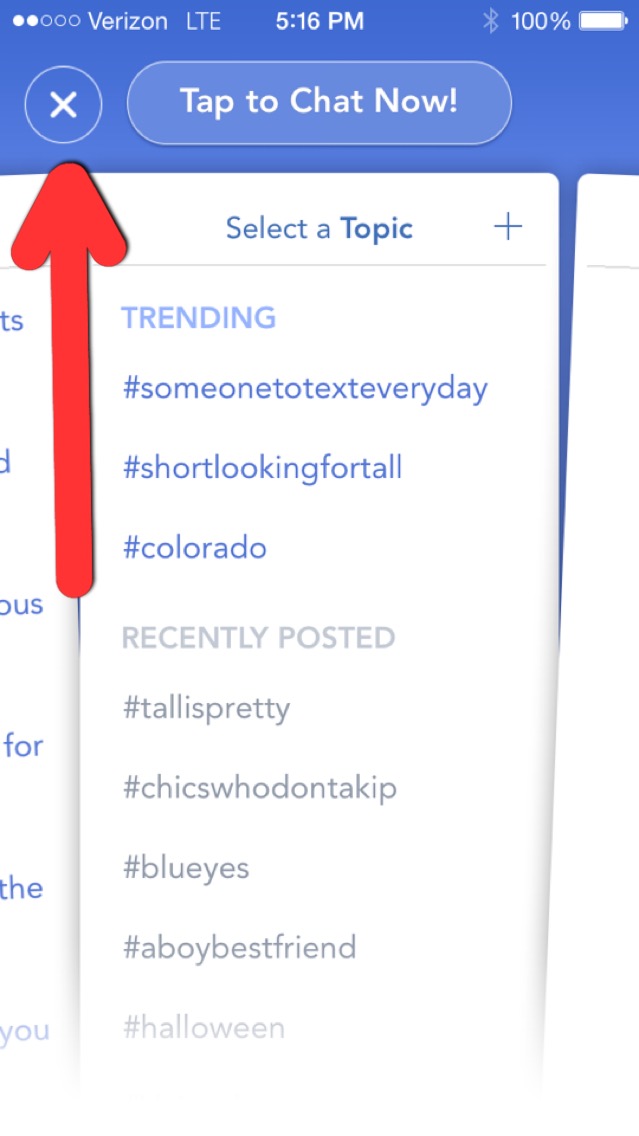
To update your profile, first, exit out of the main screen by hitting the "x" in the upper left hand corner.
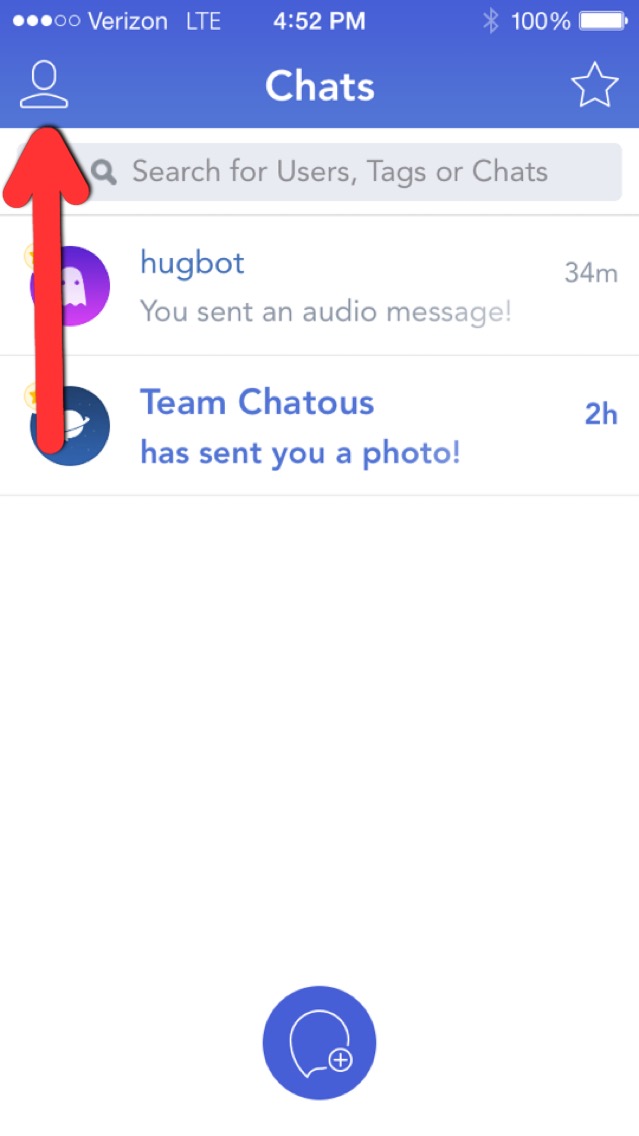
Then tap the person icon in the upper right hand corner to view and edit your profile.
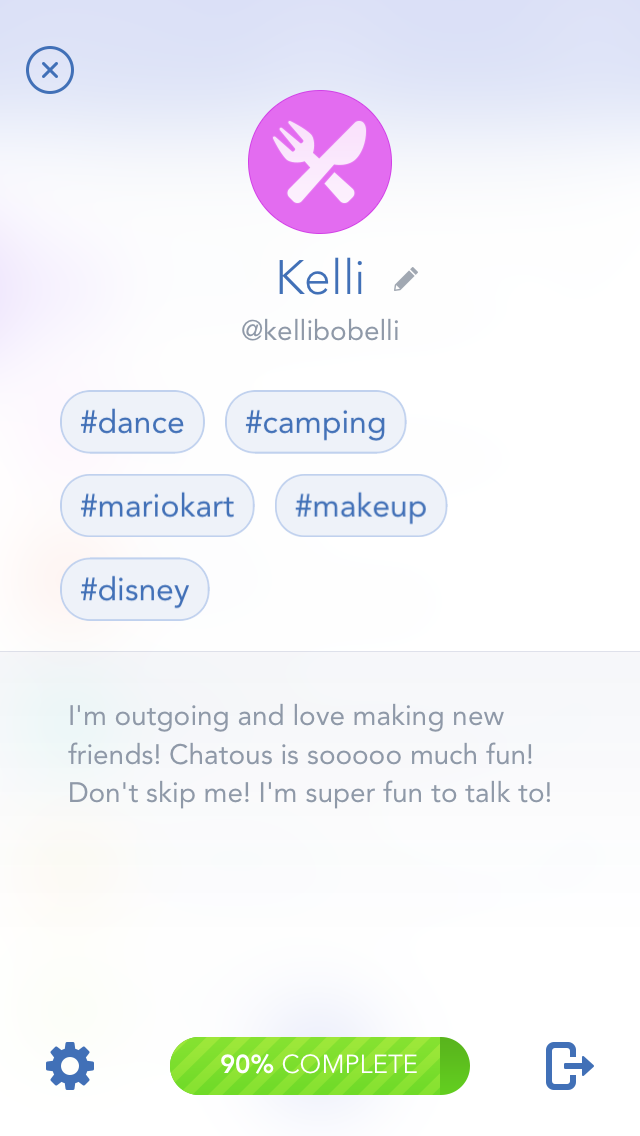
Now, you can tap on your bio to edit it.
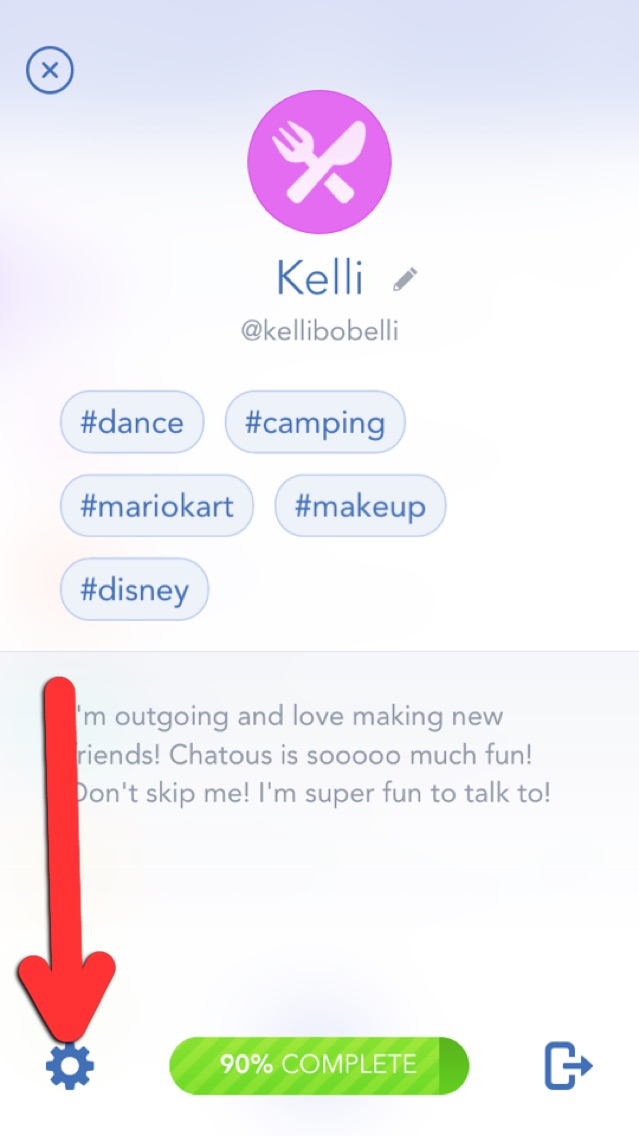
To change the information in your account, click the gear icon in the lower left hand corner of the screen.
Am looking forward to an hook up
Am a disable