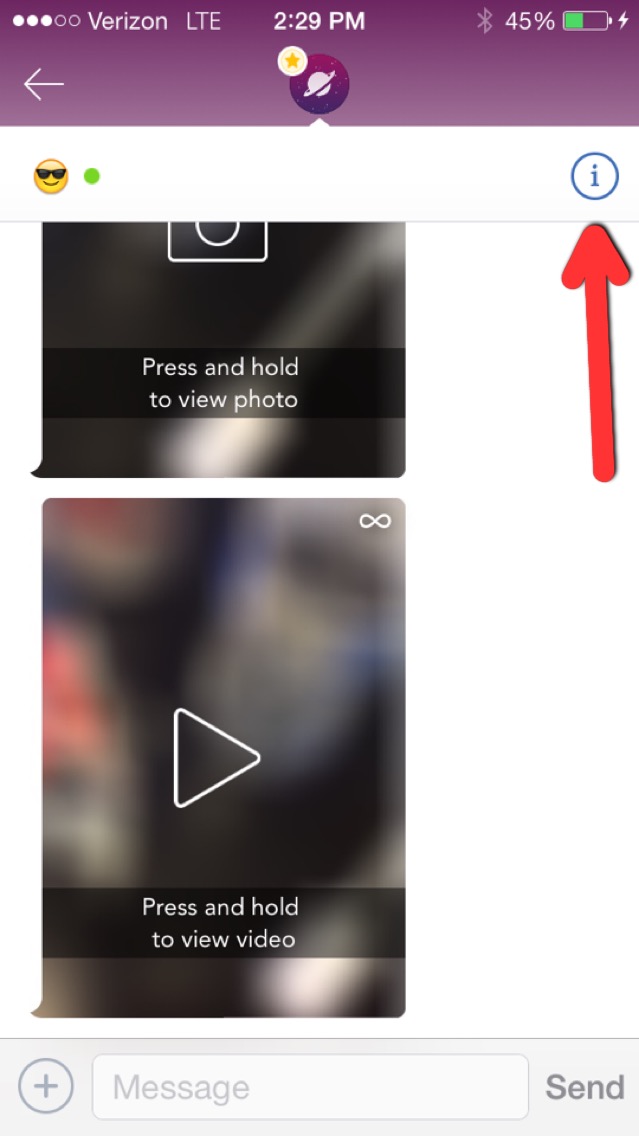
First, open up the chat of the person you want to block, then tap the Info icon in the upper right hand corner (it looks like an i with a circle around it.)

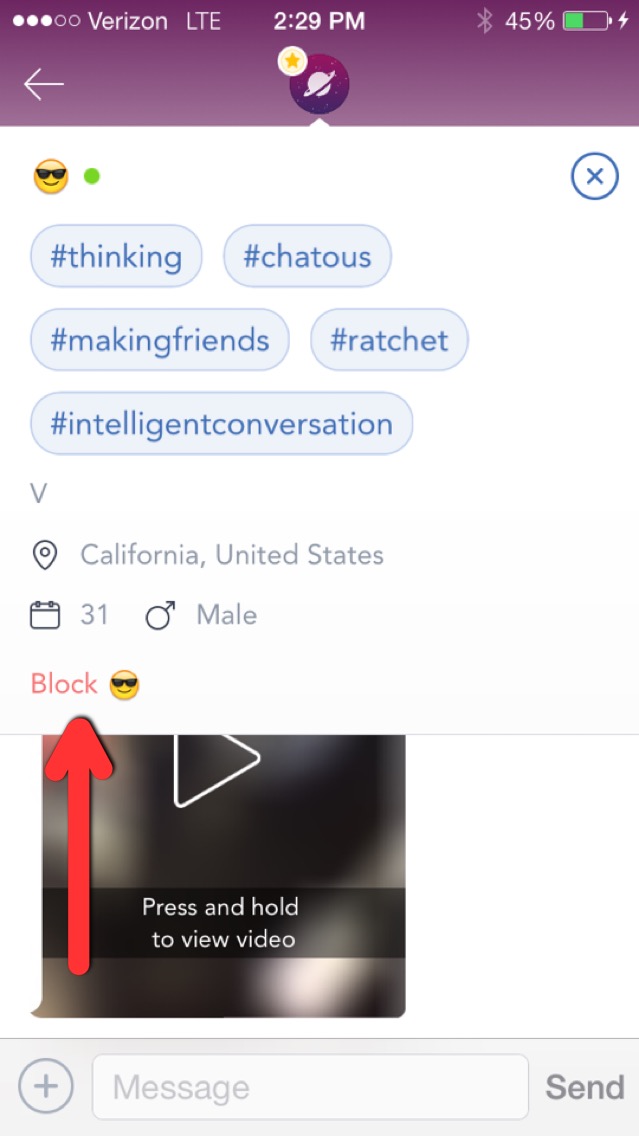
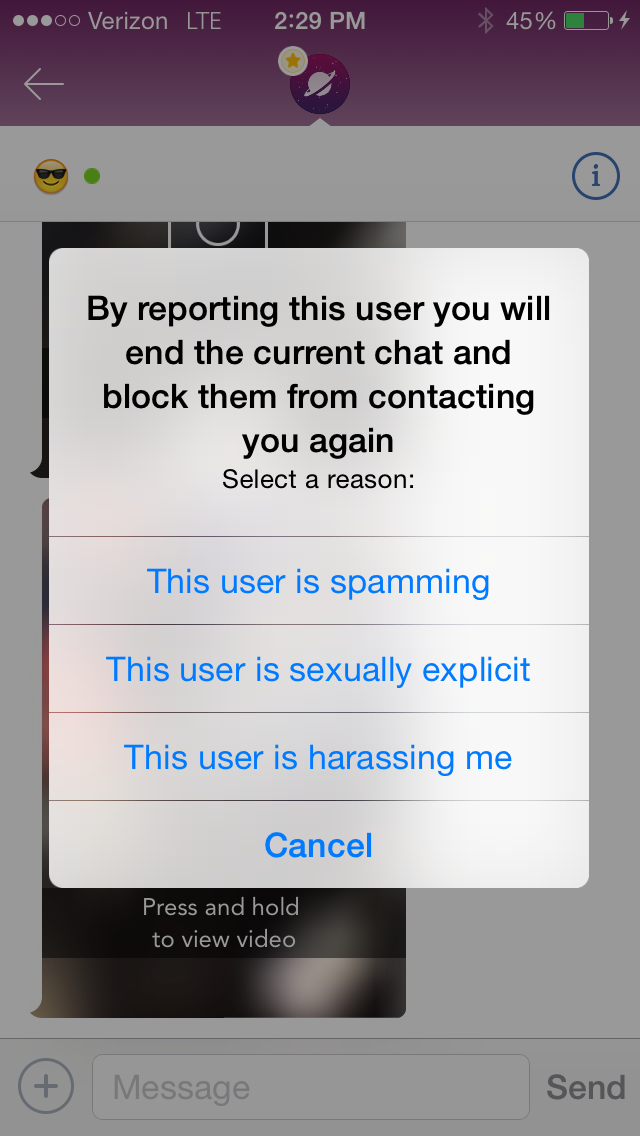
Then, tap "block" in the bottom left corner. When you block someone you are also reporting them and you will never be matched with them again.
Comments