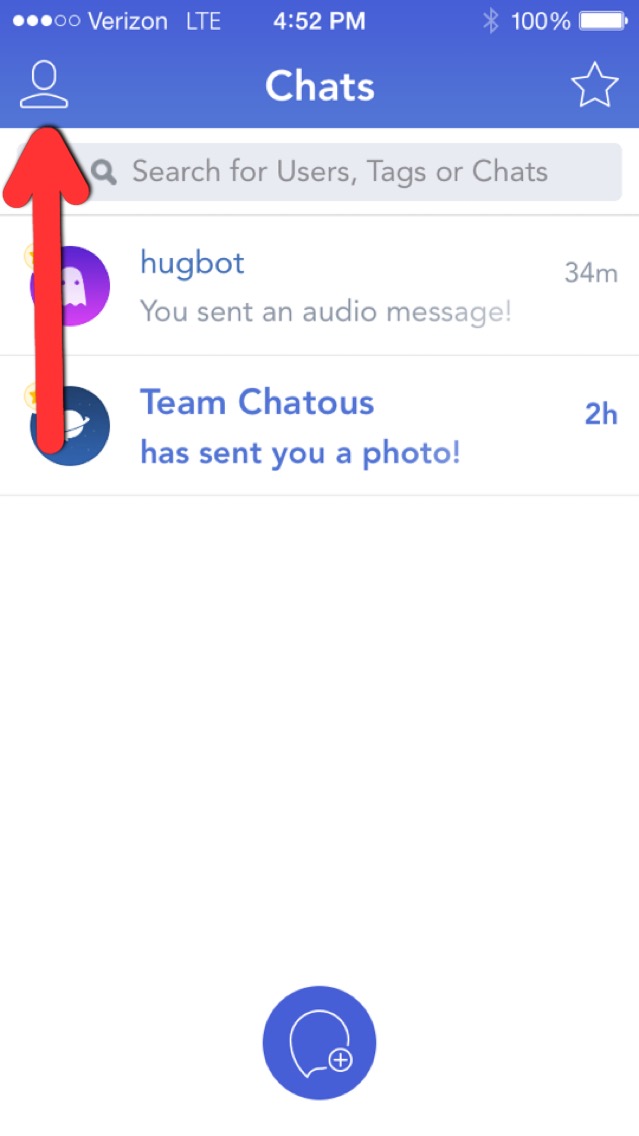
To make your profile 100% complete start by tapping the person icon in the upper left hand corner.
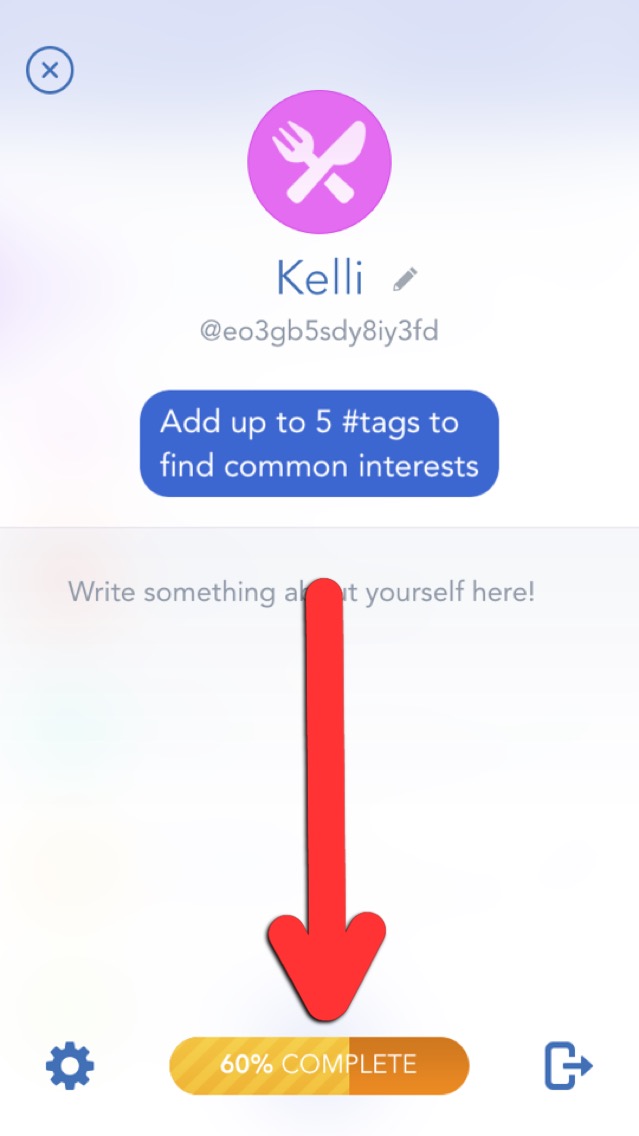
Then tap the bar at the bottom of your screen with the percentage on it.
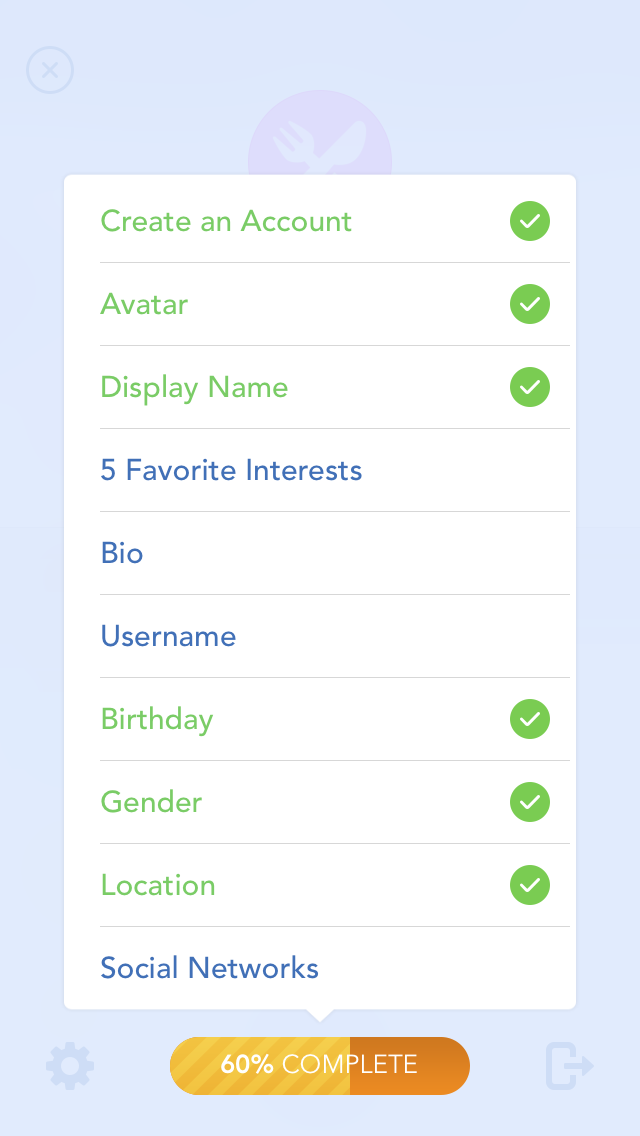
You'll see a checklist of things you need to do to make your profile 100% complete.
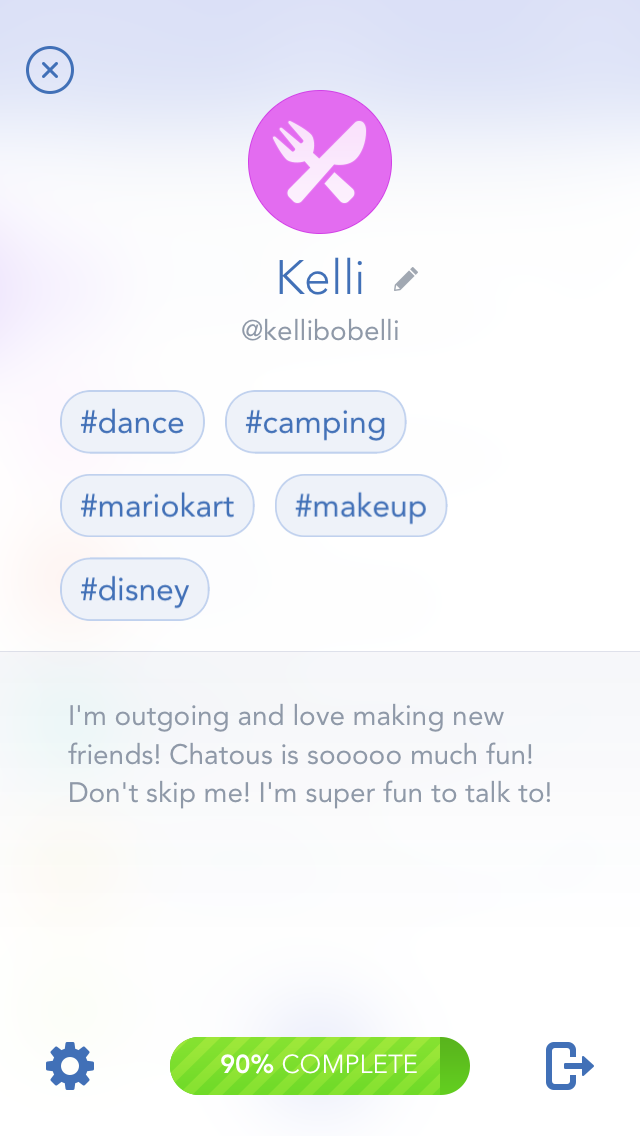
Once you have completed all the items on the checklist, then You've done it! Yippee!!
Comments